Free Fire HUD Codes: Custom HUD Layouts to Copy and Use
Browse the best Free Fire HUD codes shared by the community. Copy a custom HUD for 2, 3 or 4 finger layouts, personalize your buttons and improve your gameplay on mobile in seconds.
By
Ronny Rolim
Just like you can copy and use the best HUDs shared here, you can also check our Sensitivity Generator to find and copy the settings used by top Free Fire players.
Latest Free Fire HUD codes shared:
List updated with the most recent Free Fire HUD codes submitted by the community, shown from newest to oldest. Last HUD added on August 8, 2026.
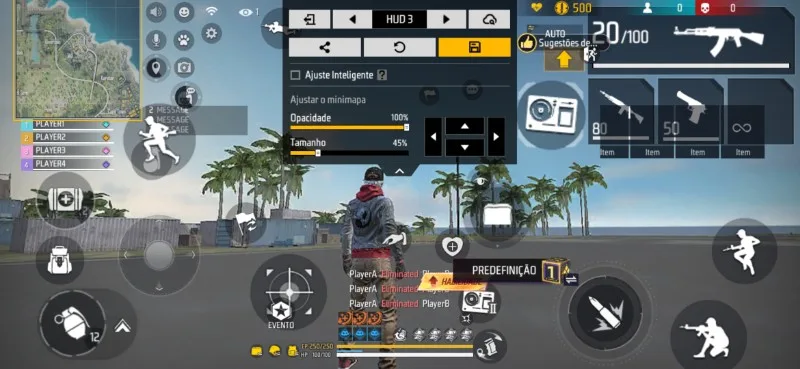
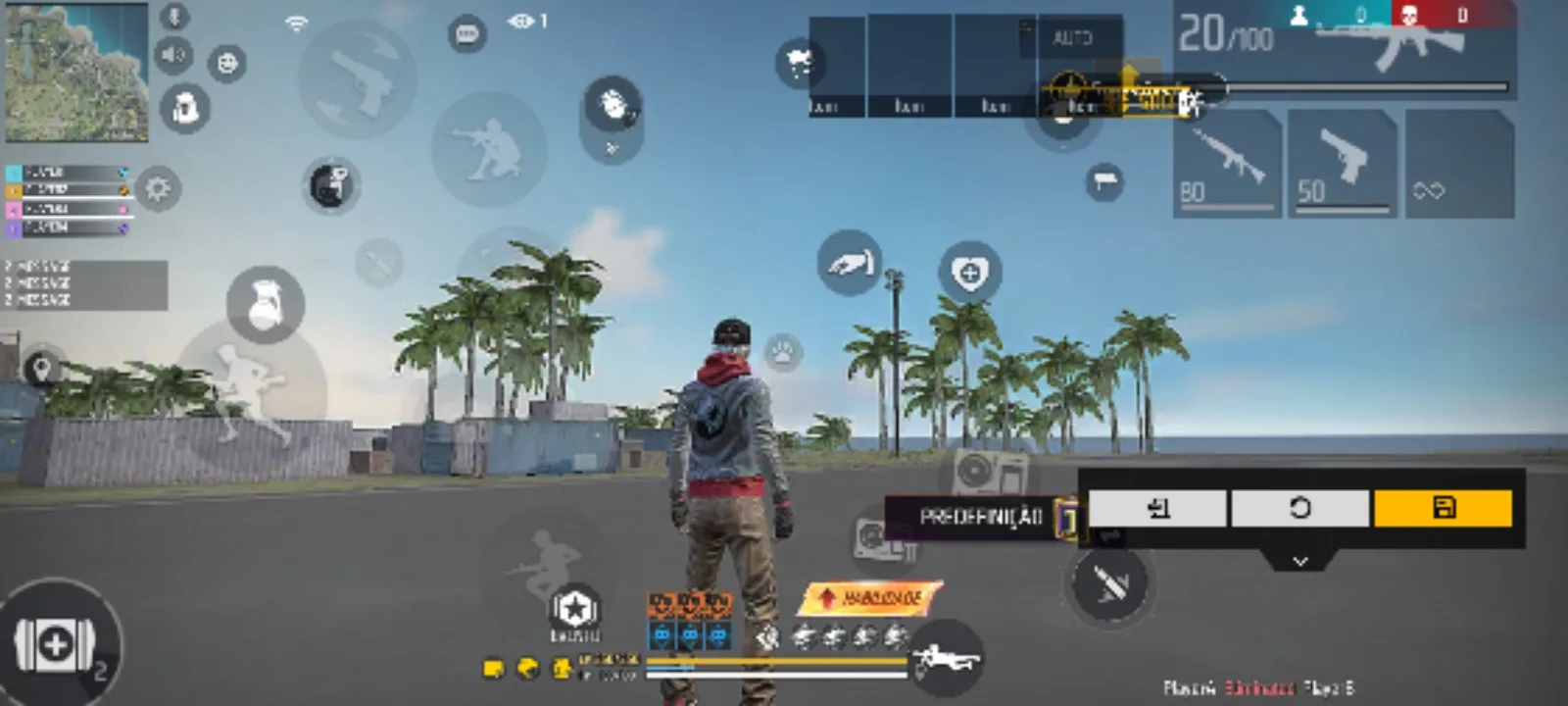
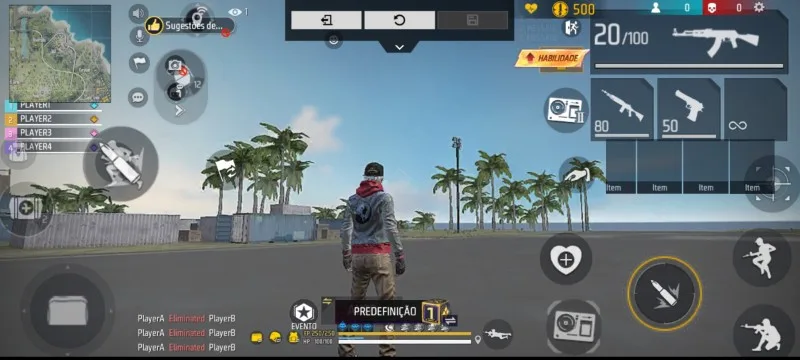
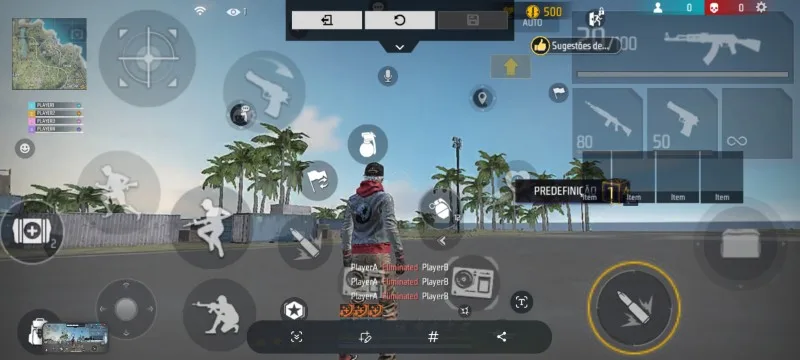
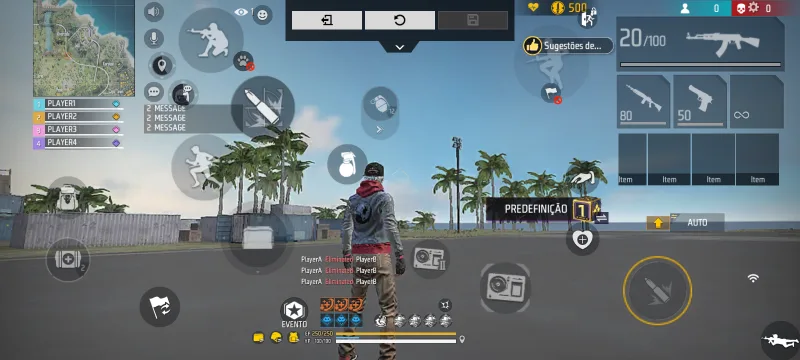
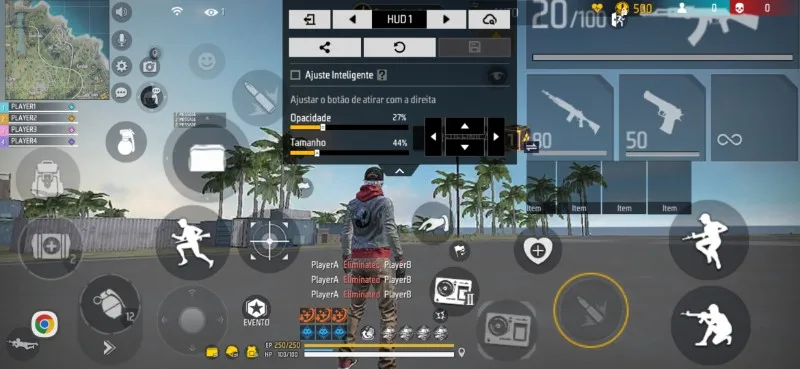
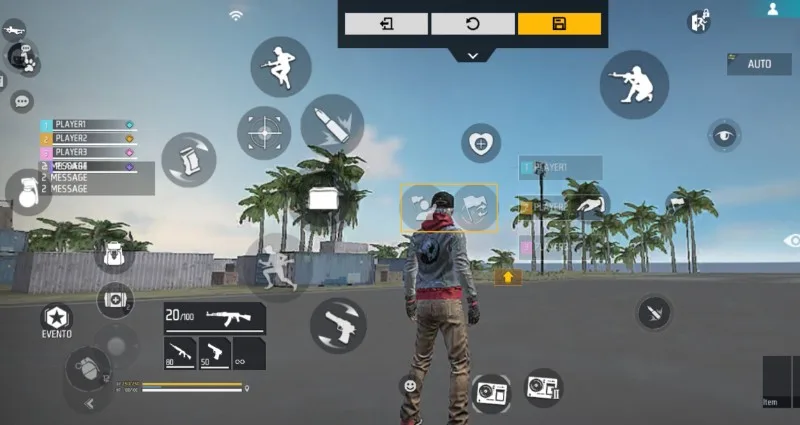
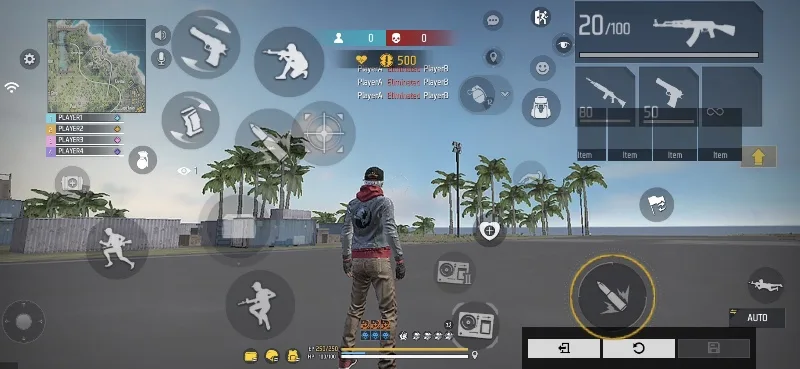
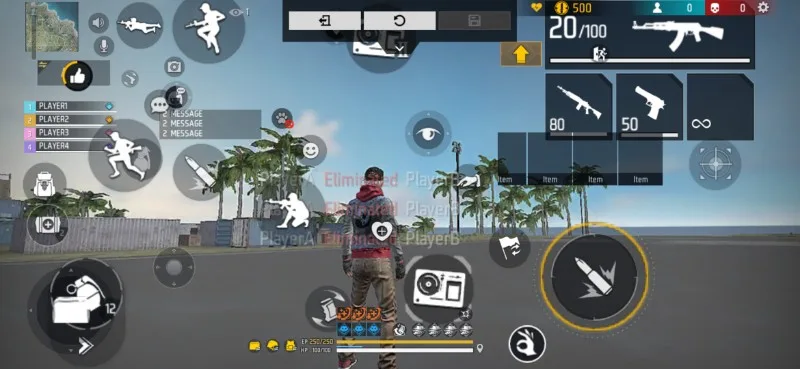
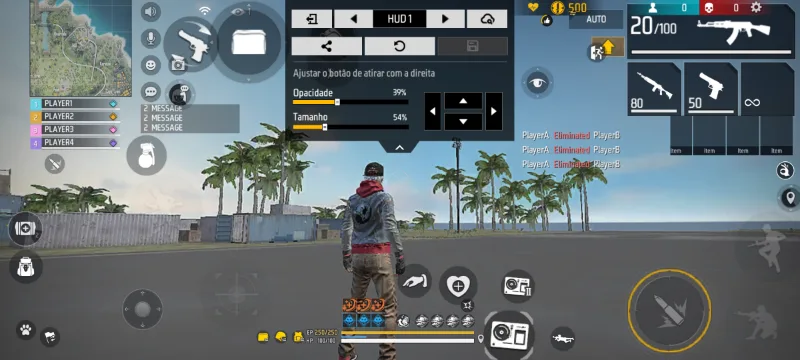
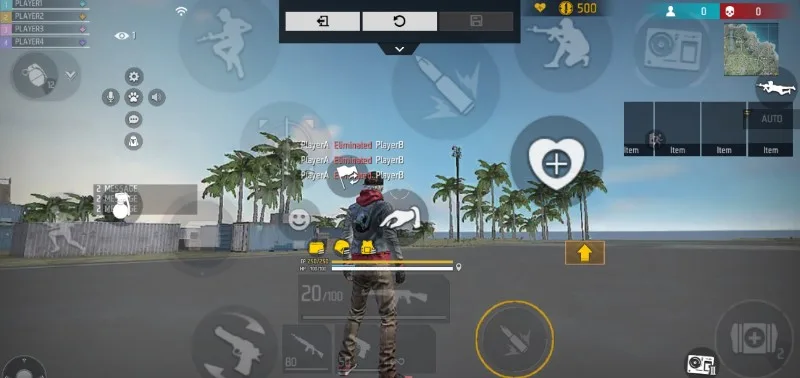
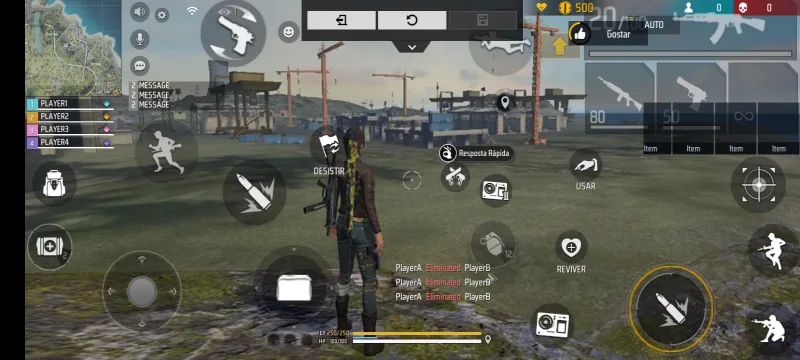
Page Navigation
Free Fire HUD codes by playstyle
2 finger custom HUD code (Free Fire)
A 2 finger custom HUD is the easiest layout for beginners or anyone who prefers a simpler mobile setup. It prioritizes comfort and quick adaptation, and it's one of the most searched HUD codes for Free Fire and Free Fire Max.
3 finger HUD code Free Fire
The 3 finger HUD balances mobility and precision. It lets you shoot, move and aim more efficiently, making it one of the most popular styles among competitive players.
4 finger HUD code Free Fire
The 4 finger HUD is recommended for advanced players chasing maximum performance. This layout is common in ranked matches and tournaments, giving full command control.
Free Fire HUD code for Instaplayer
Many players search for a Free Fire HUD code for Instaplayer, especially 2 and 3 finger layouts, which fit better on smaller screens. Here you'll find HUDs compatible with Instaplayer, submitted by the community.
How to get your Free Fire HUD code
Open Free Fire, tap the settings gear icon, go to Custom HUD and tap the share button to generate your own HUD code. You can also copy any custom HUD free fire code shared on this page: tap the "HUD Code" button on any card above, then paste it inside the Custom HUD import field in-game.
About the Free Fire HUD
The HUD (Heads-Up Display) is a core part of your gameplay in Free Fire. It determines how buttons and commands appear on screen, directly affecting your performance. By personalizing your Free Fire HUD code, you adapt the controls to your own playstyle, which improves your agility and accuracy during matches.
If you like a HUD shared here, don't hesitate to try it, and feel free to share it with friends — more players testing a layout means more feedback on what actually works.
Keeping your HUD updated and comfortable is essential to improving your in-game performance.
Curation and moderation of HUD codes
All Free Fire HUD codes shown on this page are submitted by community players and go through active moderation by the Free Fire Mania editorial team. Content that doesn't correspond to real in-game HUDs or that violates platform guidelines is removed.
This keeps a reliable, organized and useful environment for players looking for custom HUD layouts for Free Fire, focused on performance, usability and real gameplay experience.
Frequently asked questions about Free Fire HUD codes
What is a Free Fire HUD code?
A Free Fire HUD code is a string generated by the game that stores a custom button layout — position, size and transparency of every control — so you can share it or import it on another account for a more comfortable and efficient setup.
How do I use a custom HUD code in Free Fire?
Open Free Fire, go to Settings (gear icon), tap Custom HUD, then use the import/share option and paste the code you copied from this page. The layout will be applied instantly to your buttons.
Where do I find my own HUD code?
Inside Free Fire, go to Settings → Custom HUD → Share. The game will automatically generate a unique code for your current layout, which you can then share on Free Fire Mania.
What is the best HUD code for Free Fire?
There isn't a single best HUD. Beginners usually prefer 2 finger layouts, while more advanced players use 3 or 4 finger custom HUDs for extra control and precision during fights.
2 finger or 3 finger HUD: which one should I choose?
A 2 finger HUD is simpler and more comfortable for beginners. A 3 finger HUD offers more agility, letting you shoot and move with better precision. The right choice depends on how used you are to the game.
Is there a Free Fire HUD code for Instaplayer?
Yes. Many layouts shared by the community work well on Instaplayer, especially 2 and 3 finger HUDs adapted for smaller screens.
 Do you want to receive notifications about Free Fire?