Add Any Skin to Your Free Fire Wishlist
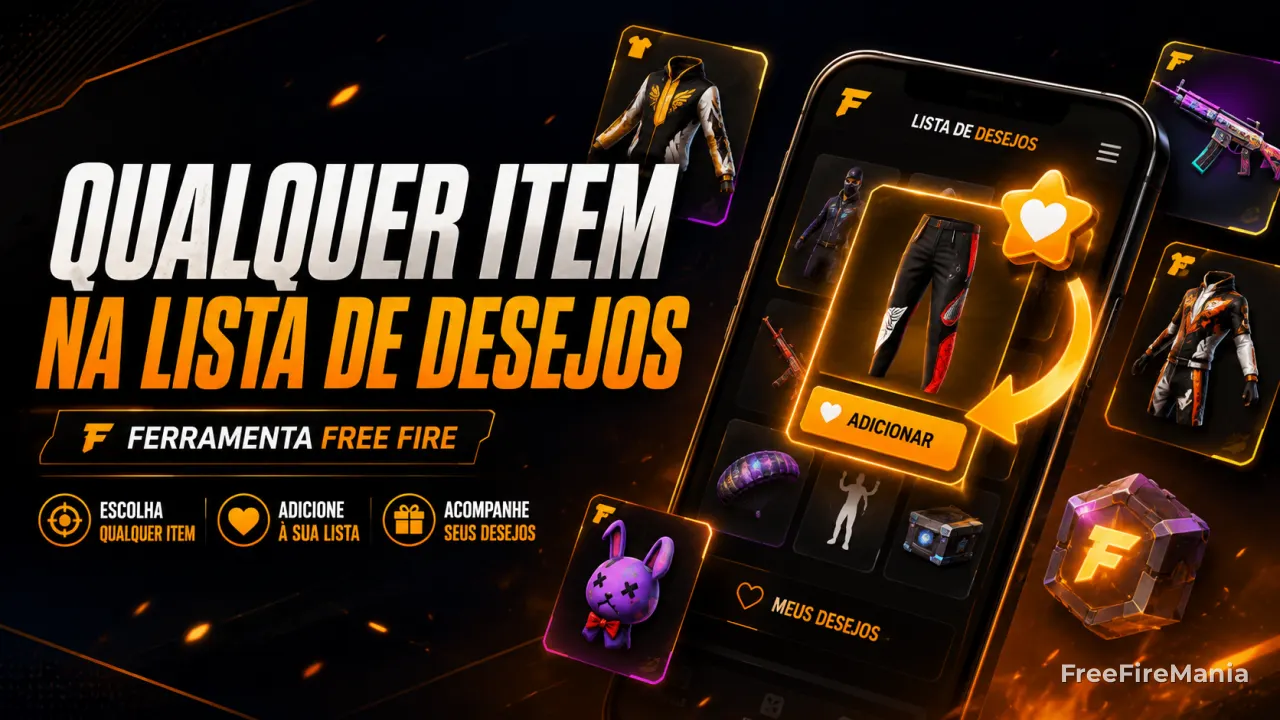
Search for any Free Fire skin, bundle, or item and see real accounts that already have it marked on their own wishlist. Just open one of their profiles in-game and tap the item's star to add it to your own wishlist too - even if you don't own it.
By
Ronny Rolim
How does this wishlist trick work?
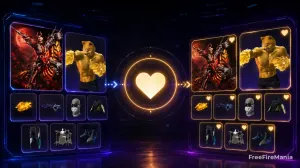
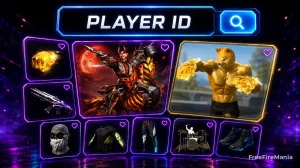
Free Fire's wishlist lets any player mark, with a star, an item that another account has already wished for - even without the marking account owning that item. In other words: if you find someone who already has a certain skin on their wishlist, you can "copy" that same item to your own list, straight from their profile in-game.
Manually finding an account like that takes time. This tool does that search for you: it cross-references the item you want against the database of wishlists already checked on Free Fire Mania, and shows accounts that already have that item marked, prioritizing the ones with fewer items on their wishlist - so it's easier to spot the exact item once you open their profile in-game.
Find Accounts With the Item You Want
Recently checked accounts
● LIVEProfiles recently checked on the site. Click to open a profile.






Why does this trick work in Free Fire?
Garena lets any account mark, on its own wishlist, an item it saw marked on another player's profile - even without ever having bought or equipped that item. This lookup just helps you find, faster, an account that already has the item you want, instead of manually digging through thousands of profiles.
See also
Want to see a player's full wishlist?
Check every item a specific account has already marked as wished, by ID.
Check Wishlist by IDWant to understand how the wishlist works in-game?
Check out the full guide on the Free Fire wishlist.
Open the Free Fire Wishlist GuideLooking for a specific item?
Browse the full Free Fire item catalog, with filters by type, rarity, and version.
See all Free Fire itemsFrequently Asked Questions
How do I add any item to my Free Fire wishlist?
Search for the item in the tool on this page and pick one of the accounts found - they already have that item marked on their own wishlist. Then, inside Free Fire, open that account's profile by ID, go to their wishlist tab, and tap the star on the item you want. It's automatically added to your own wishlist too, even if you don't own the item.
Can I add any skin to my Free Fire wishlist?
Yes, as long as you find an account that already has that item marked on its own wishlist. Opening their profile in-game and tapping the item's star also applies it to your account.
Do I need to own the item to add it to my wishlist?
No. The wishlist exists precisely to mark items you don't have yet. You only need to find another player who has already marked that item so you can copy it from their profile.
Why doesn't every item show available accounts?
We only show accounts that have already been looked up before on Free Fire Mania and that have that item marked on their wishlist. Very new or rarely searched items may not have any account on record yet - try again later.
Does this site access my account or someone else's account?
No. The tool only points to public account IDs that already have the wished item. The action of marking the item happens only inside the game, done by you, on your own account.
 Do you want to receive notifications about Free Fire?