Free Fire Wishlist Checker by ID
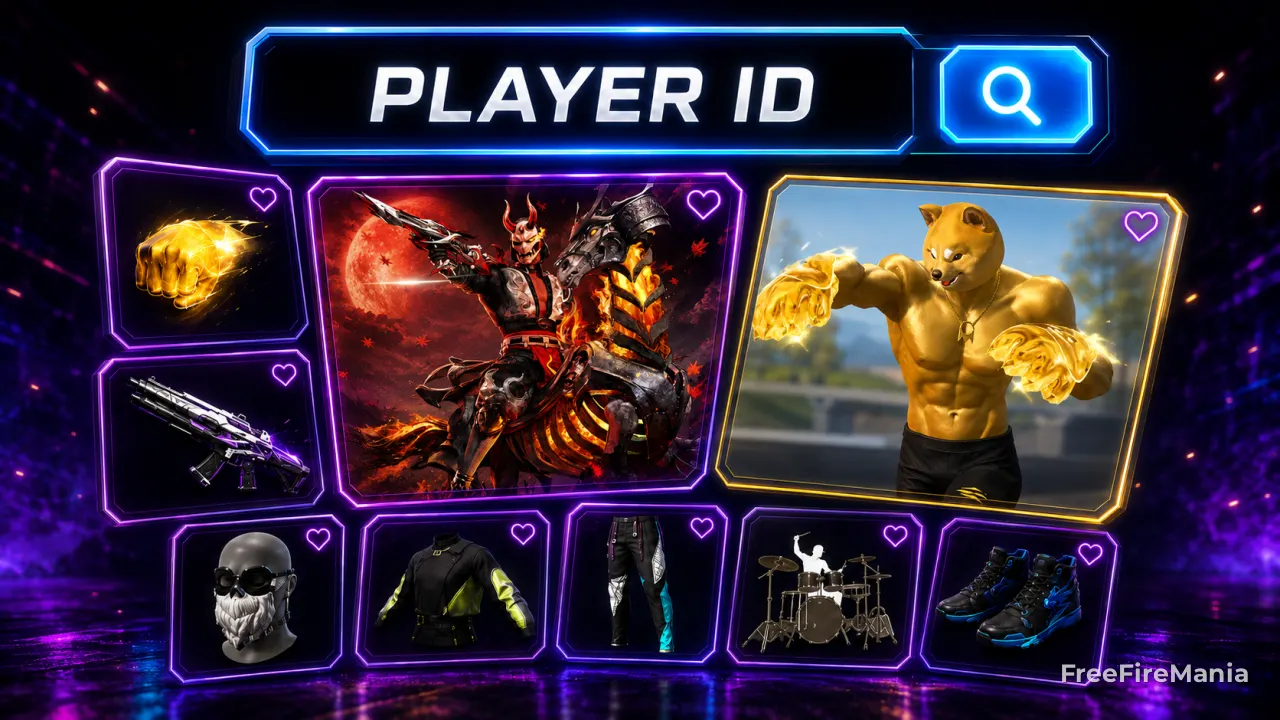
Enter a Free Fire Player ID and see any player's wishlist: every item they marked as wanted in-game, with name, rarity, and item model. The lookup is public, free, and doesn't require a login or password.
By
Ronny Rolim
Check a Free Fire wishlist by Player ID
The tool only uses the player's public ID. We never ask for a password, login, email, recovery code, or any private account data. The wishlist is already public inside the game itself: anyone who opens that player's profile in Free Fire sees the same items.
Check a Free Fire Wishlist by Player ID
Recently checked accounts with wishlist items
● LIVEVerified accounts active in the last week and IDs recently checked in this tool that had wishlist items. Tap to open the full profile.








What is the wishlist in Free Fire?
The Free Fire wishlist is the in-game area where each player marks, with a star, the items they want to get: skins, characters, pets, emotes, bundles, and other cosmetics. These items stay saved on the profile, and anyone who opens that account in-game can see the same list.
Since it's public information inside Free Fire itself, you can check the wishlist of any account using just the Player ID, without opening the game or asking the account owner for access.
Want to understand how the wishlist works in-game?
Check out the full guide on the Free Fire wishlist: how to mark items, how the return notification works, and the difference from the Wish Store.
Open the Free Fire Wishlist GuideWant to know which items are the most wanted in Free Fire?
Check out the official most-wanted items ranking, calculated from the number of times each item was added to real players' wishlists.
See the Top 100 most wanted itemsOnly interested in full bundles?
Check out the most wanted skin bundles ranking, with the complete sets most marked on players' wishlists.
See most wanted bundlesDon't know which ID to test?
Try your own ID first, or use our Free Fire profile by ID lookup to find any player's number.
Open profile lookup by IDHow to check a Free Fire wishlist by ID
- Get the ID of the account you want to check (it shows below the nickname on the profile).
- Paste the ID into the tool at the top of this page.
- Tap Check Wishlist.
- See every item marked, with name, rarity, and image.
- Tap any item to open its full page, including the 3D model.
Is this lookup safe?
Yes. The tool only checks the public wishlist tied to the ID you enter. It doesn't log into the account, doesn't change anything, doesn't ask for a password, and doesn't send any friend or gift request to the player.
Frequently Asked Questions
How do I see another player's wishlist in Free Fire?
Enter the player's public ID in the tool on this page. The lookup returns every item that ID marked as wished in-game, in the same order shown on the profile.
Is the wishlist public in Free Fire?
Yes. Anyone who opens a player's profile in-game sees the same items marked on the wishlist. This tool just reproduces that public information outside the game.
Can I add items to another account's wishlist using the ID?
No. The ID is for lookup only. Only the account owner, logged into the game itself, can mark or remove items from the wishlist.
Why does the wishlist show up empty for some IDs?
This happens when the player genuinely hasn't marked any item as wished on the account, or when they've already redeemed/bought everything they had previously marked.


 Do you want to receive notifications about Free Fire?