Free Fire leaves Google Play Games on PC; understand what changes
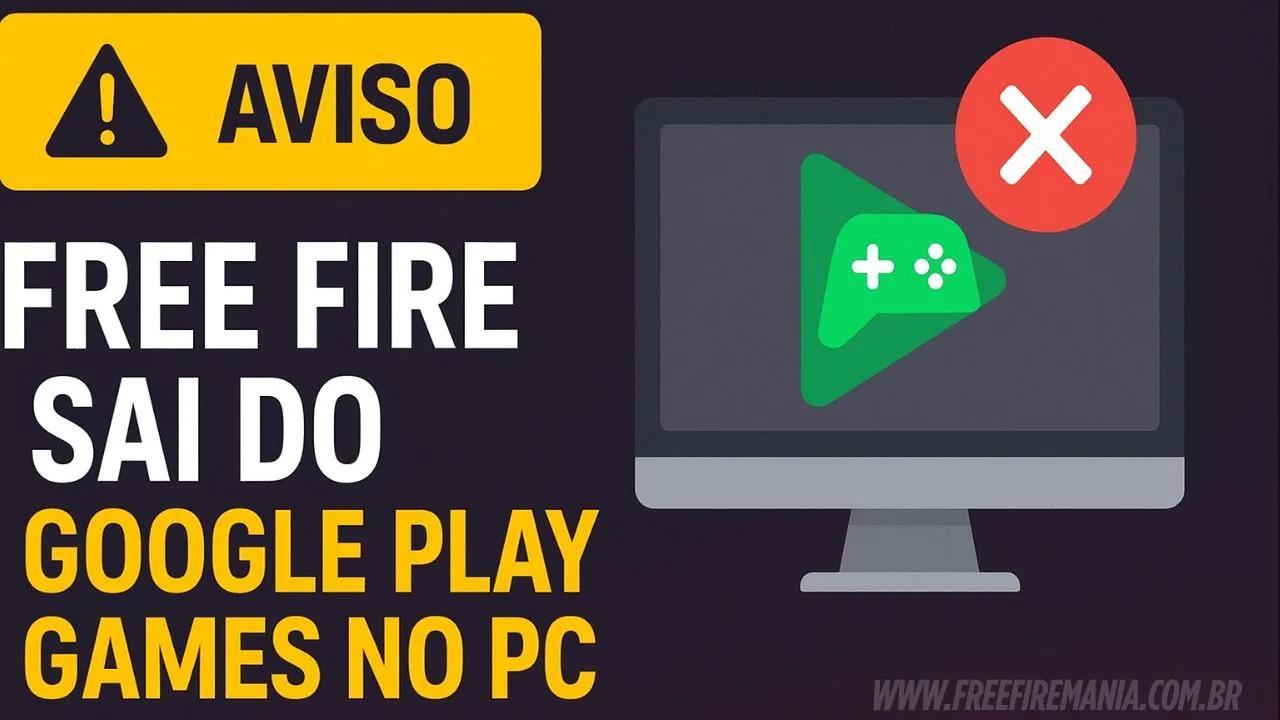
The PC version of Free Fire will leave Google Play Games on October 29th. See what's changing, how to migrate, and how to keep your progress without losing your account.
By
Ronny Rolim
Google Play Games (GPG), the official Google emulator for running mobile games on computers, will stop offering the PC version of Free Fire starting on October 29. While this change raises concerns, there are alternatives: according to the notice displayed in the game, players can continue playing by downloading Free Fire MAX within GPG. Thus, those playing on desktop can remain in the official ecosystem.
However, to avoid any losses, it is essential to take action now. Before the update, players should link the guest account to a platform account (Google, Facebook, Apple, VK, etc.). This way, progress will remain accessible after the transition. In other words, the change affects only the PC version within Google Play Games; the mobile app remains, and the experience with Free Fire (FF) and content from Garena continues normally on other devices.
What exactly is changing?

- GPG, the official Google emulator, will stop listing the PC version of Free Fire.
- As an immediate alternative, Free Fire MAX will remain available on Google Play Games.
- Only the experience via GPG on PC is affected; the game on mobile devices continues normally.
How to continue playing without losing anything
- Link your account: In the game menu, associate the guest account with a platform (Google, Facebook, Apple, etc.).
- Install Free Fire MAX on GPG: Search for “MAX” within Google Play Games on PC and install it.
- Log in with the same account: After migration, use the same login to preserve skins, levels, and history.
- Review settings: Finally, adjust graphics, frame rate, and controls to maintain performance on desktop.
Why is Google Play Games important?
Because GPG is the official Google emulator, with direct integration to the Play Store, constant updates, and broad compatibility. Consequently, it offers a secure environment for popular titles like Free Fire (FF), with native support for keyboard and mouse.
Impacts for PC players
Advantages after the change
- Continuity: By using Free Fire MAX, gameplay continues in GPG.
- Security: By linking the account, progress remains protected.
- Performance: GPG maintains optimizations for mobile games on PC.
Risks if you do not act
- Loss of access to the guest account after the update.
- Possible temporary unavailability if you do not install MAX in time.
Frequently Asked Questions About the News Topic
❓ Will Free Fire stop working on mobile?
No. The change only applies to the version on PC within Google Play Games. On mobile devices, the game continues normally.
❓ What is GPG and why is it mentioned?
GPG stands for Google Play Games, the official Google emulator that allows running Android games on a computer with keyboard and mouse support.
❓ Will I lose my progress after 10/29?
No, as long as you link the guest account to a platform account before the date. After that, log in to Free Fire MAX through GPG.
❓ Do I need to use Free Fire MAX on PC?
Yes, to continue playing on Google Play Games, the recommended alternative is to install and use Free Fire MAX, logging in with the linked account.
❓ Will third-party emulators be affected?
The news only addresses GPG, the official Google emulator. Other platforms have their own policies; always use them according to the terms of service.
![How to play Free Fire Max on PC with Now GG [no programs] — Free Fire](https://www.freefiremania.com.br/images/capas/300/free-fire-max-pc-now-gg.webp)
 Do you want to receive notifications about Free Fire?