Free Fire: Search a Player by NAME or NICKNAME
Find out how to look up a Free Fire profile using only the player's name. Get important account info fast and easy, updated for 2026.
By
Ronny Rolim
If you're a Free Fire fan, you've probably wanted to check out another player's profile — to see their stats, ranking, skins, or just to follow their progress. But finding a full profile can feel tricky. Luckily, you can now look up any Free Fire profile using just the player's name or nickname, quickly and easily.
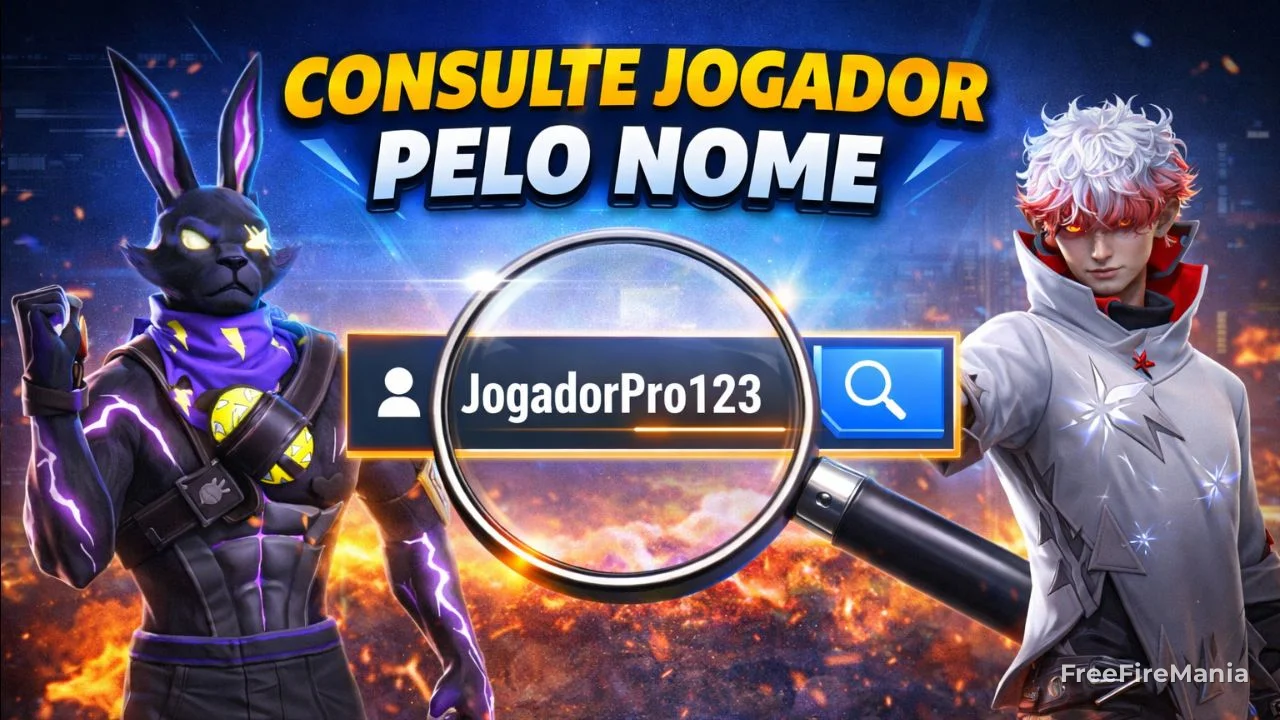
Search a Free Fire player by name
To look up a Free Fire profile, just type the player's name or nickname into the field below:
Search a Free Fire player by name/nickname
TIP: include spaces, symbols or other characters that are part of the name in your search.
- Look up a player profile by ID and see every detail of an account.
- Create a custom Free Fire name with styles, symbols and fonts.
🎮 Create a custom Free Fire name in seconds
Generate a stylish, symbol-filled or pro-player-style nickname. Instant result, ready to copy and use in-game.
Check the most recent Free Fire profiles
Browse the latest accounts added to our Free Fire profile database below. Scrolling through this list lets you quickly spot new players and check important info such as name, ID and account creation date. This list also updates automatically, so you always see the freshest data.
- -Pablo19- ID: 443673796 | Created: 14/10/2018
- ⚽.™ ID: 16168511133 | Created: 25/06/2026
- ༒༻™JOE༺༒ ID: 2482219259 | Created: 27/10/2020
- Regina.comm ID: 216264886 | Created: 01/05/2018
- Sʜᴀᴡᴀɴ²⁹ㅤOxჯ ID: 798263226 | Created: 10/03/2019
- =ׁ͟͟͞͞ㅤAʟʟᴇɴ ID: 1855229422 | Created: 19/03/2020
- $"lachina"$ ID: 8069128324 | Created: 29/07/2023
- ꫟⁞ㅤSethㅤメㅤㅤ ID: 15742119 | Created: 10/12/2017
- @ΛDVOGΛDO ID: 1934463901 | Created: 19/04/2020
- 타가타난 ID: 77481339 | Created: 03/02/2018
So if you want to keep track of the newest profiles or simply check when a certain account was created, this section is for you. Take the chance to explore and maybe discover interesting profiles that inspire your own Free Fire journey.
Lastly, remember: our platform is a reference when it comes to looking up Free Fire profiles. Keep browsing and take advantage of every resource we've built for you.
Why use the name (nickname) to look up a profile?
First off, it's worth pointing out that a player's nickname is the most practical and fastest way to find profiles in Free Fire. Unlike the ID — which isn't always easy to remember — the nickname is exactly what you see during matches.
On top of that, searching by name is much more intuitive, especially when you want to quickly check a friend's, rival's or content creator's profile. It's simply the best option for everyday lookups.
How does searching a profile by name work?
The process is simple and fast. Just type the player's name or nickname into the search field and, within seconds, the system will show the matching results.
You'll then see a list of players with similar names and can pick the correct profile. After that, all the information loads automatically, including:
- General stats, like matches played, kills and win rate;
- Current ranking and season performance;
- Account info and player level;
- Guild data, if the player belongs to one;
- Recent activity and in-game progress.
This way, even without the ID, you can easily access a player's main data.
What are the advantages of looking up a profile by name?
Searching by nickname definitely offers several important benefits, especially if you want speed and convenience. Here are the main ones:
- Convenience: no need to know or memorize the player's ID;
- Fast search: find profiles in seconds just by typing the name;
- Great for everyday use: perfect for looking up friends or known players;
- Constantly updated: the data shown is refreshed frequently;
- Works on any device: use it on mobile, tablet or desktop with no hassle.
Keep in mind that, since some players may have similar names, you might need to check more than one result to find the right profile. Even so, the convenience of this search is well worth it.
In short, searching by name is the fastest and most accessible way to find players in Free Fire. Use this feature to track stats, scout opponents and stay on top of the community's performance.



 Do you want to receive notifications about Free Fire?